
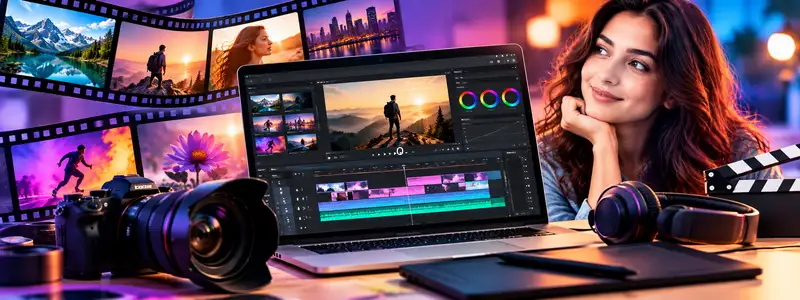
Video Editing in Premiere Pro
Course Description:
Video Editing in Premiere Pro is a 6-week course designed to teach you how to cut, edit, and polish videos like a professional. You will learn how to organize your video clips, apply smooth transitions, use green screens, and adjust audio quality. The course also covers advanced features like proxy workflows for faster editing and cinematic color grading using LUTs. It is ideal for YouTubers, content creators, and anyone who wants to work in professional film and video editing.
Course Contents:
• PREMIERE PRO WORKSPACE • Setting up projects, importing media, and using proxies for faster editing
• EDITING TECHNIQUES • Executing basic edits, cutting footage, and using adjustment layers on the timeline
• TRANSITIONS & EFFECTS • Using templates, adding smooth transitions, working with graphics, and mastering green screen effects
• AUDIO & COLOR GRADING • Adjusting audio quality and applying creative and technical LUTs for cinematic color grading
• EXPORTING • Rendering and compressing videos for high-quality final export
Course Outcome:
After completing this course, you will be able to edit professional-quality videos using Adobe Premiere Pro. You will understand how to piece together footage, correct and grade colors using LUTs, enhance audio, and apply visual effects like green screens. This gives you the practical skills needed to start a career as a video editor, content creator, or multimedia specialist.