
Photo Editing in Photoshop
Course Description:
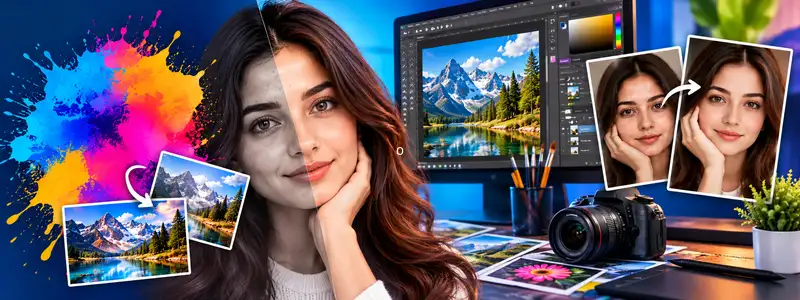
Photo Editing in Photoshop is a 4-week course that teaches you how to edit and transform images like a pro. You will learn to use Adobe Photoshop to retouch photos, remove backgrounds, apply stunning color gradients, and add special effects. The course guides you step-by-step through layers, selection tools, and brushes. It is ideal for photography enthusiasts, aspiring designers, and anyone wanting to master industry-standard photo editing software.
Course Contents:
• PHOTOSHOP WORKSPACE • Introduction to menus, toolboxes, palettes, and color modes
• SELECTION & LAYERS • Mastering selection tools (Marquee, Magic Wand), transforming selections, and understanding layers
• IMAGE EDITING • Retouching, slicing, resizing, and filtering images • Using healing tools, patching, and patterns
• EFFECTS & WEB PUBLISHING • Applying gradients, filters, plug-ins, brushes, and optimizing images for the web
Course Outcome:
After completing this course, you will be able to professionally edit, retouch, and manipulate digital images using Adobe Photoshop. You will understand how to work with layers, apply advanced effects, and prepare images for both print and web. This prepares you for professional roles in graphic design, photography editing, and digital marketing.